Restore Face Photos
Fix blurry photos and restore old damaged photos. AI sharpens faces and brings back detail so prints look natural.

RestorePhotos is a free AI photo restoration tool that repairs old, blurry, and damaged photos online. Sharpen faces, fix scratches, and colorize black-and-white images—no Photoshop or software install required.
Reduce blur and repair damage on vintage photos—upload a scan, then download an unblurred version when processing finishes.
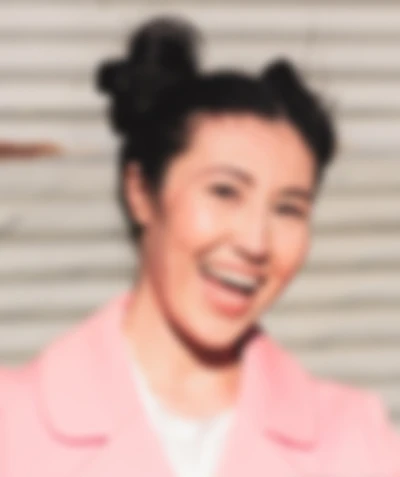

See how AI can sharpen faces, bring back detail, and improve clarity on old or blurry scans.
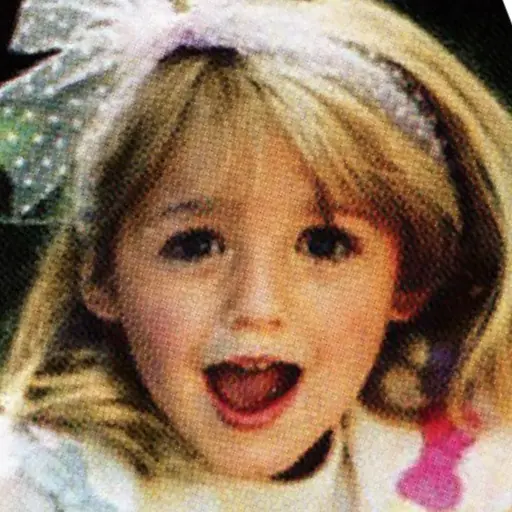
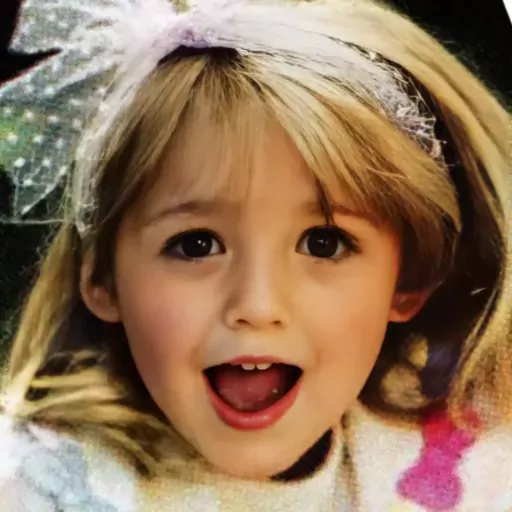
Explore AI style transformations—80s photo style, anime style, cyberpunk style, and more. Upload a photo and get a styled photo in seconds. Discover more styles and features in the Photo AI Styles section.
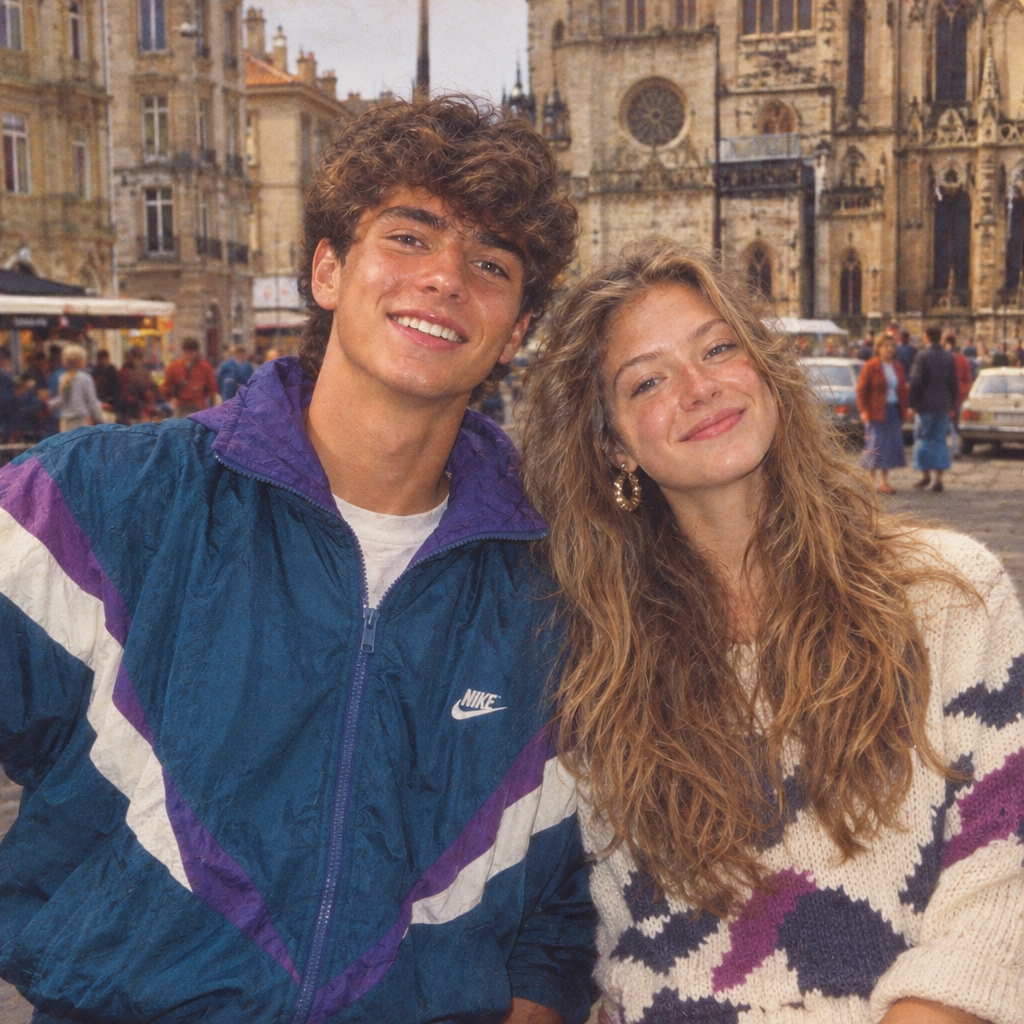
Step into the 80s photo filter style with an authentic retro photo transformation. Transform your photo into a retro 80s icon with AI. Upload a photo and get a retro 80s icon in seconds.

Generate studio-quality ID, biometric, passport, and LinkedIn, Twitter, Facebook, Instagram, etc. headshots with AI. Upload a photo and get professional headshot photos in seconds.

Change your hair style and color in photos instantly. Preview new hairstyle and hair color and you can try different hairstyles and hair colors in seconds with AI. No salon required.
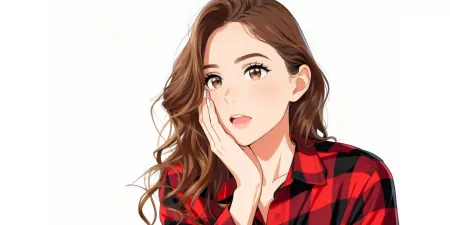
Convert your photos into beautiful anime artwork with one click. Crisp lines, vibrant colors, and expressive style.
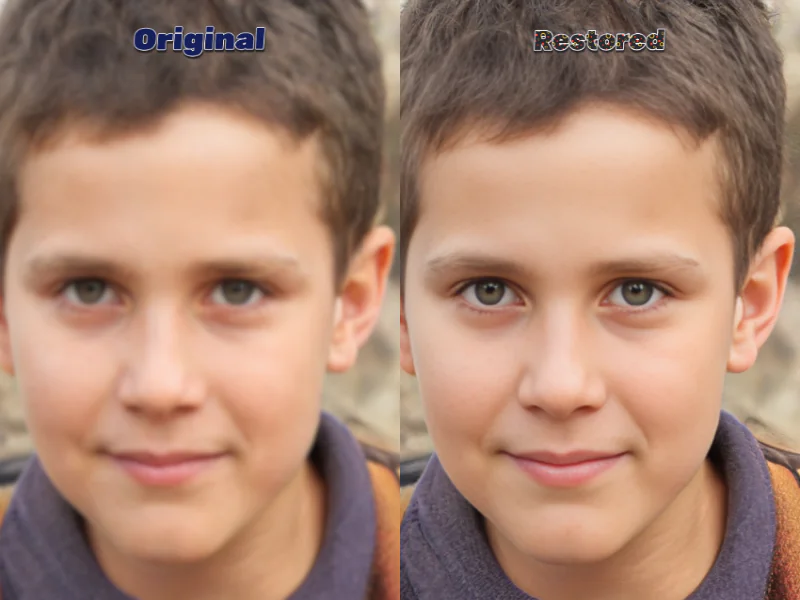
Restore photo quality instantly with AI-powered software. Repair old, damaged, and blurry photos online-fast, secure, and professional results.
Read more details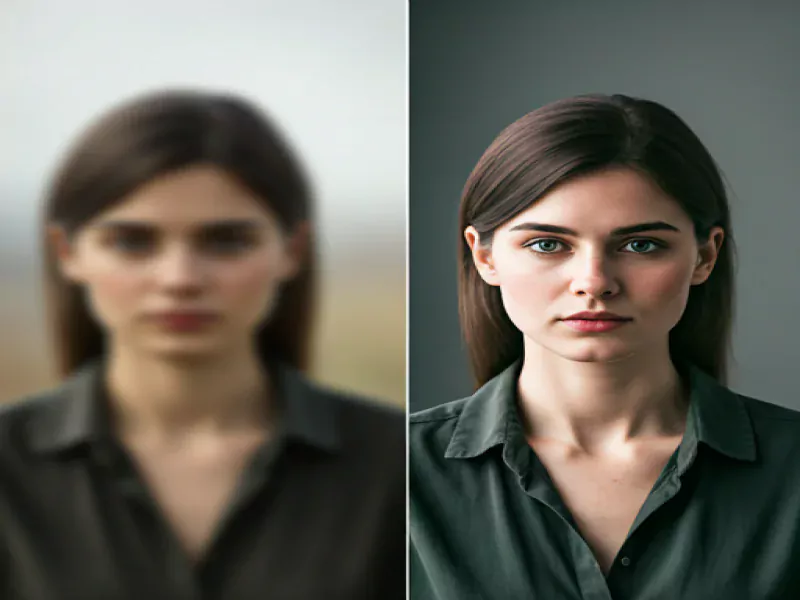
A Simple Step-by-Step Guide Using AI Photo Restoration
Read more details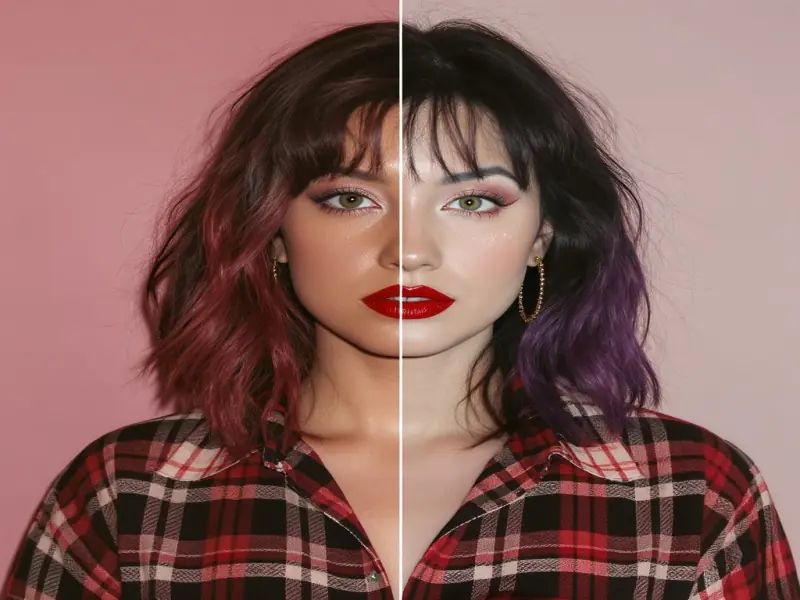
It's a cutting-edge application that uses artificial intelligence to revive, enhance, and colorize old or damaged photos in just seconds.
Read more detailsRestore Photos AI is a browser-based photo restoration service that uses artificial intelligence to repair old photos, unblur faces, and fix scratches without manual editing in Photoshop. Upload a JPEG or PNG scan, let the AI rebuild missing detail, and download a sharper restored image in minutes.
Whether you need to restore old family photos, run AI face restoration on a blurry portrait, or try photo restoration online for the first time, RestorePhotos handles the heavy lifting so you keep natural skin tones and authentic character.
Your photo is securely uploaded and processed instantly using AI photo restoration.
Our AI detects faces, damage, blur, and missing details to rebuild the image naturally.
Download your restored image when processing completes. Time depends on file size and server load.
Bring back childhood memories, wedding albums, and old family portraits that faded or cracked over decades. AI restoration works best on scanned prints where faces are still partially visible.
Fix damaged or blurry faces in old photographs. The AI reconstructs eyes, skin texture, and expression while avoiding the plastic, over-sharpened look common in generic enhancers.
Enhance details and clarity in low-resolution phone snapshots or compressed JPEGs. Useful when the only copy of a memory is a small digital file.
Improve contrast and fine detail in vintage black-and-white prints, then optionally colorize black-and-white photos for a full-color version.
Remini is popular for face enhancement but can over-sharpen skin. Restore Photos AI focuses on natural restoration—subtle detail recovery without the waxy, AI-generated look. Both work in the browser; RestorePhotos also bundles colorization, background removal, and Photo AI styles in one account.
VanceAI offers many enhancement modes with manual controls. Restore Photos AI keeps the workflow simple: upload, restore, download. Ideal when you want fast old-photo repair without tuning sliders or batch queues.
Hotpot bundles restoration with many unrelated AI utilities. Restore Photos AI is built specifically for photo restoration, face repair, and related enhancement—so results stay consistent across family archives and portrait work.
Restore Photos AI is a free online photo restoration tool that repairs old, blurry, and damaged images in your browser. Upload a photo, let AI sharpen faces and fix damage, and download the result—no software install or editing skills required. A free tier is available; paid plans add more credits for heavy use.
AI photo restoration analyzes your image for blur, scratches, fading, and missing facial detail. Deep-learning models predict what the original pixels likely looked like, then rebuild sharpness and color while keeping results natural. The process takes seconds to a few minutes depending on file size.
Yes. Your photos are uploaded over HTTPS, processed on secure servers, and not sold or shared with third parties. Images are not stored permanently after processing. See our privacy policy for full details.
AI can significantly improve old and damaged photos—especially when faces or key subjects are still partially visible. Severely torn images with large missing areas may need professional manual retouching, but most faded, scratched, or blurry family photos see meaningful improvement.
Yes. Restore Photos AI specializes in AI face restoration and unblurring portraits. It reconstructs eyes, skin, and hair detail from soft or motion-blurred source files. Results depend on how much information remains in the original scan.
You can upload common image formats including JPEG, PNG, and WebP. For best results, scan old prints at 300 DPI or higher and upload the largest file you have. See the full FAQ for size limits and tips.
You can start with a free tier for photo restoration. Heavy use—more credits, larger uploads, or Photo AI features—may require a paid plan or credits.