
Colorize Black & White Photos with AI
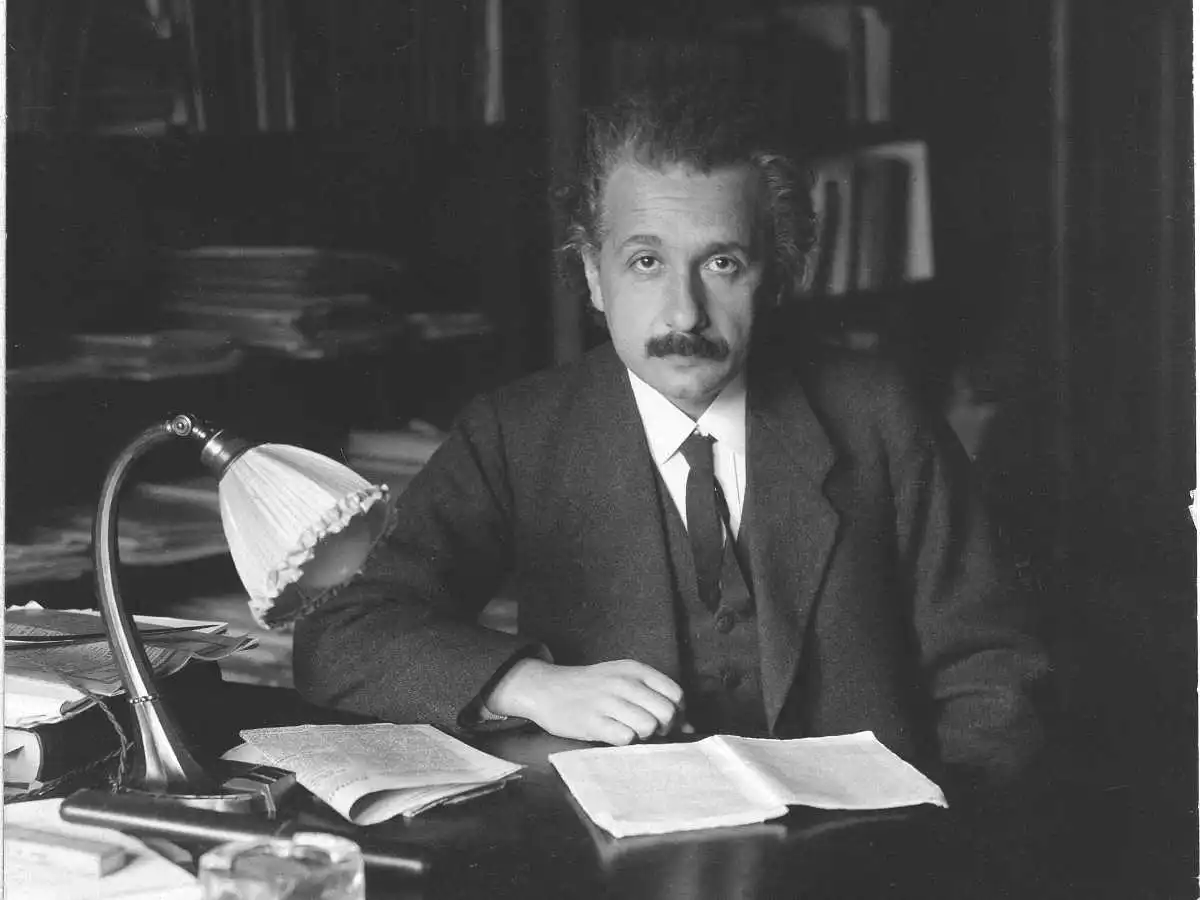
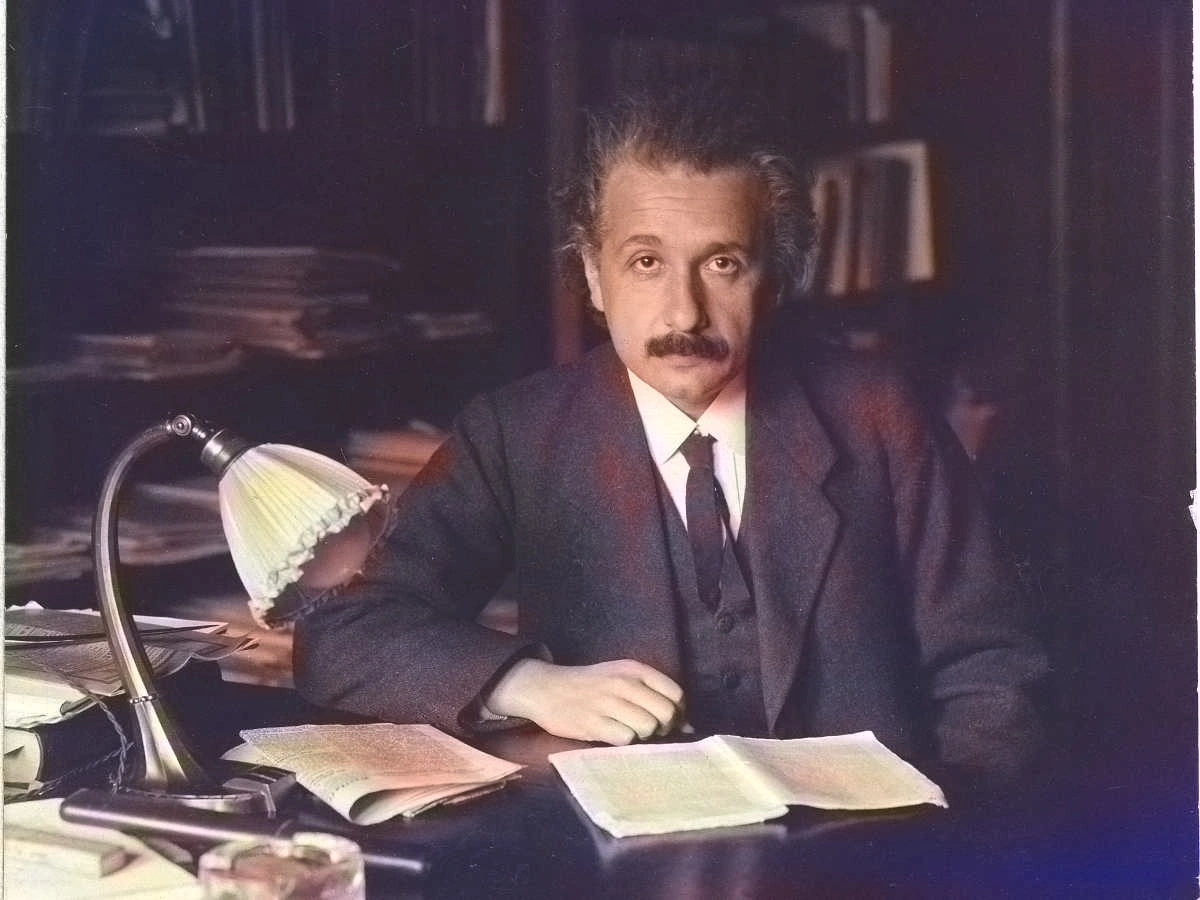
Add natural-looking color to monochrome scans and prints in your browser. Results depend on contrast, damage, and resolution; continued use may need credits or a subscription.
Upload a photoBefore (sample)
After colorization (sample)
How AI colorization helps
Built for archives, family albums, and creative projects—not a substitute for professional art restoration.
Natural-looking color
The model suggests tones for skin, clothing, and scenery based on the image. Heavily faded or noisy originals may still look uneven—that is a limitation of the source, not a promise of perfection.
Respect the original composition
We aim to keep edges and textures recognizable while adding color, so prints stay familiar to people who remember the scene.
Simple workflow
Upload from the browser, preview, then download. Processing time varies with file size and load; signing in may be required when credits apply.
Many subject types
Portraits, groups, and outdoor scenes often work best. Very small faces or extreme damage may limit how convincing the color feels.
From the blog
The Power at Your Fingertips: Exploring the Best AI Tools for Every Need
Feeling overwhelmed by the vast array of AI tools available? Dive into this comprehensive guide, exploring the best AI tools for content creation, design, marketing, and more!
Read more details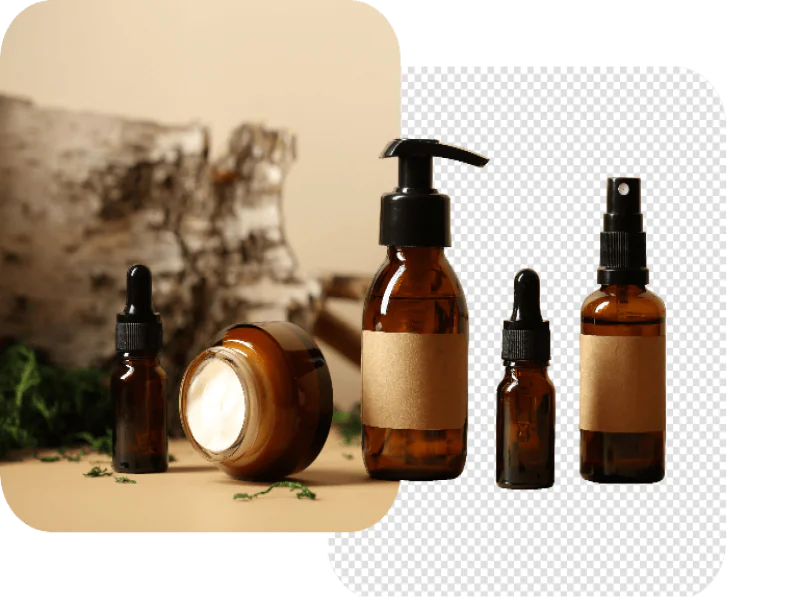
A Comprehensive Guide on How to Remove Backgrounds from Images
Ever wanted to isolate your subject in a photo and remove the distracting background? This in-depth guide explores various methods on how to remove background from images, from free online tools to advanced software.
Read more details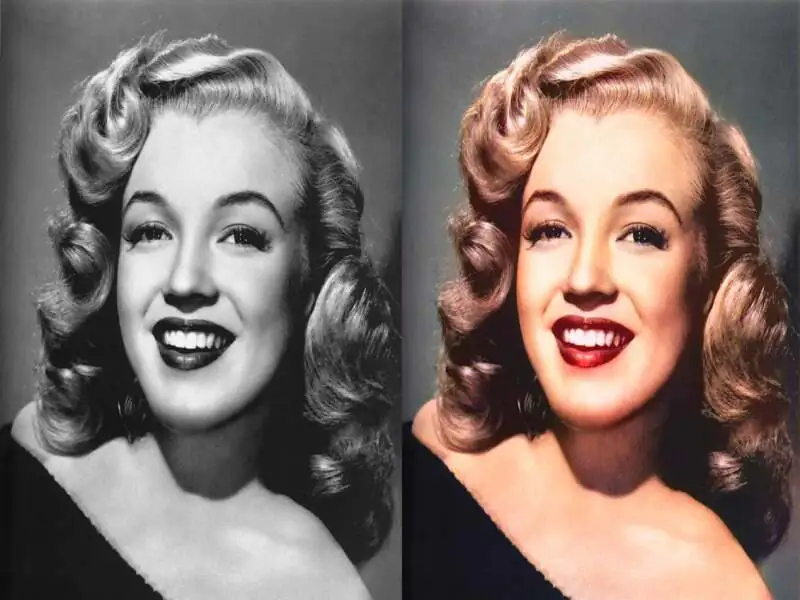
A Comprehensive Guide to Colorizing Images with AI
Breathe new life into your black and white photos with the magic of AI! This guide explores everything about colorize images photos AI, from its fascinating technology to practical tips and tricks for stunning results.
Read more details